Feature
Advanced simulation
Nonlinear, contact, CalculiX file formats.
Use this add-on:
Overview
Advanced simulation goes past the linear elastic study in PartCraft: material that yields, separate pieces that push on each other, and files for CalculiX, a separate program you install and run yourself. It is packaged as a PartCraft add-on in the lab, off until you switch it on: a tab that turns the part's own Simulation study into a nonlinear or contact study, finds the touching faces, runs it on PartCraft's solvers, shows the numbers, the load steps and a colour plot beside the part, and writes a CalculiX input deck. The CalculiX decks have never been run in CalculiX. It is an analysis aid for an engineer, not a design approval.
Who it’s for
- Mechanical designers who need to know where a part yields rather than only where it stays elastic.
- Designers of assemblies, where two parts press on each other and the load path matters.
- Analysts who want to check a study in CalculiX, which they run themselves.
What you can do
- Turn the part's Simulation study into a nonlinear study, in which the material follows a straight line to its yield stress and then a flatter slope, in load steps that halve themselves when a step does not settle; read the plastic strain and the table of load steps.
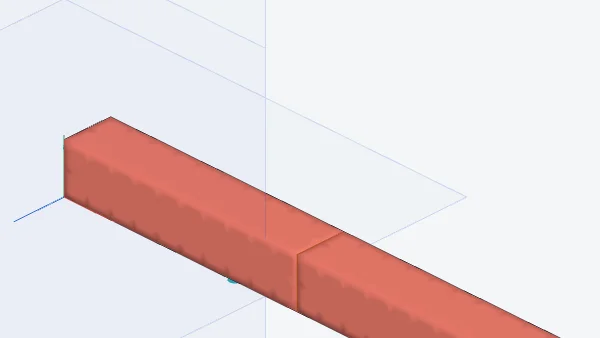
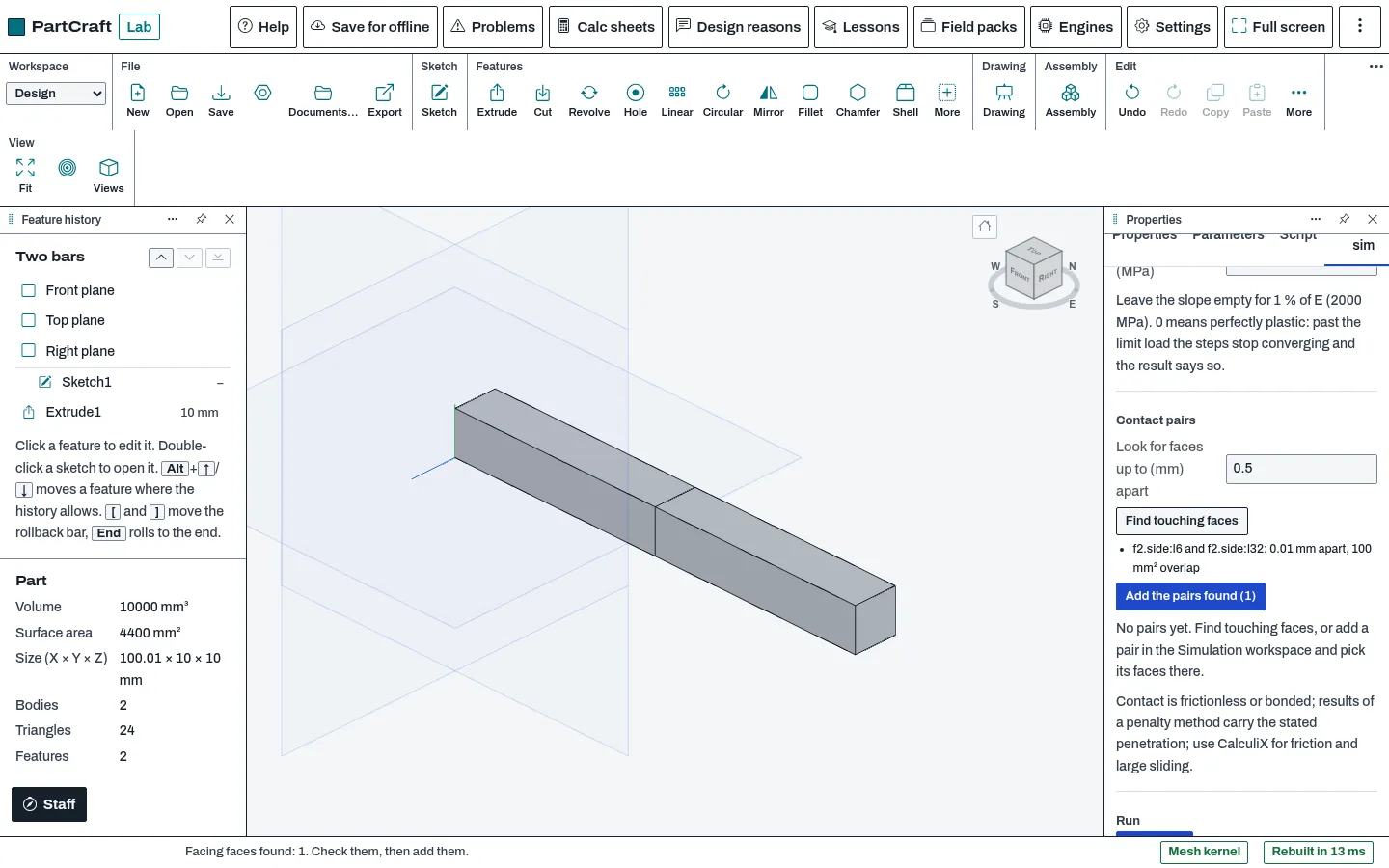
- Turn it into a contact study between separate pieces of the part: Find touching faces lists flat faces of different pieces that face each other within a distance you set, and adds them as frictionless or bonded pairs with a penalty stiffness you can raise.
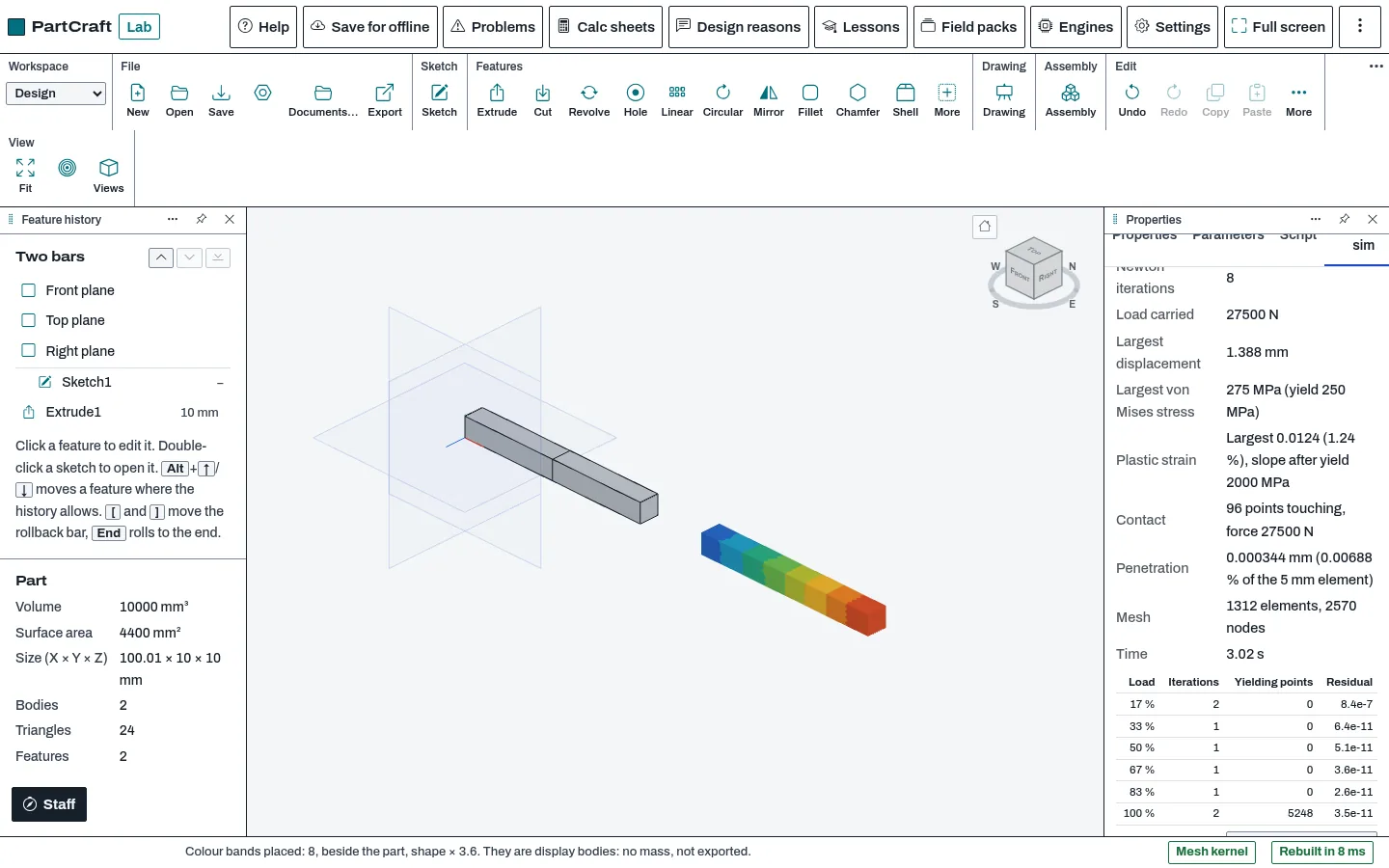
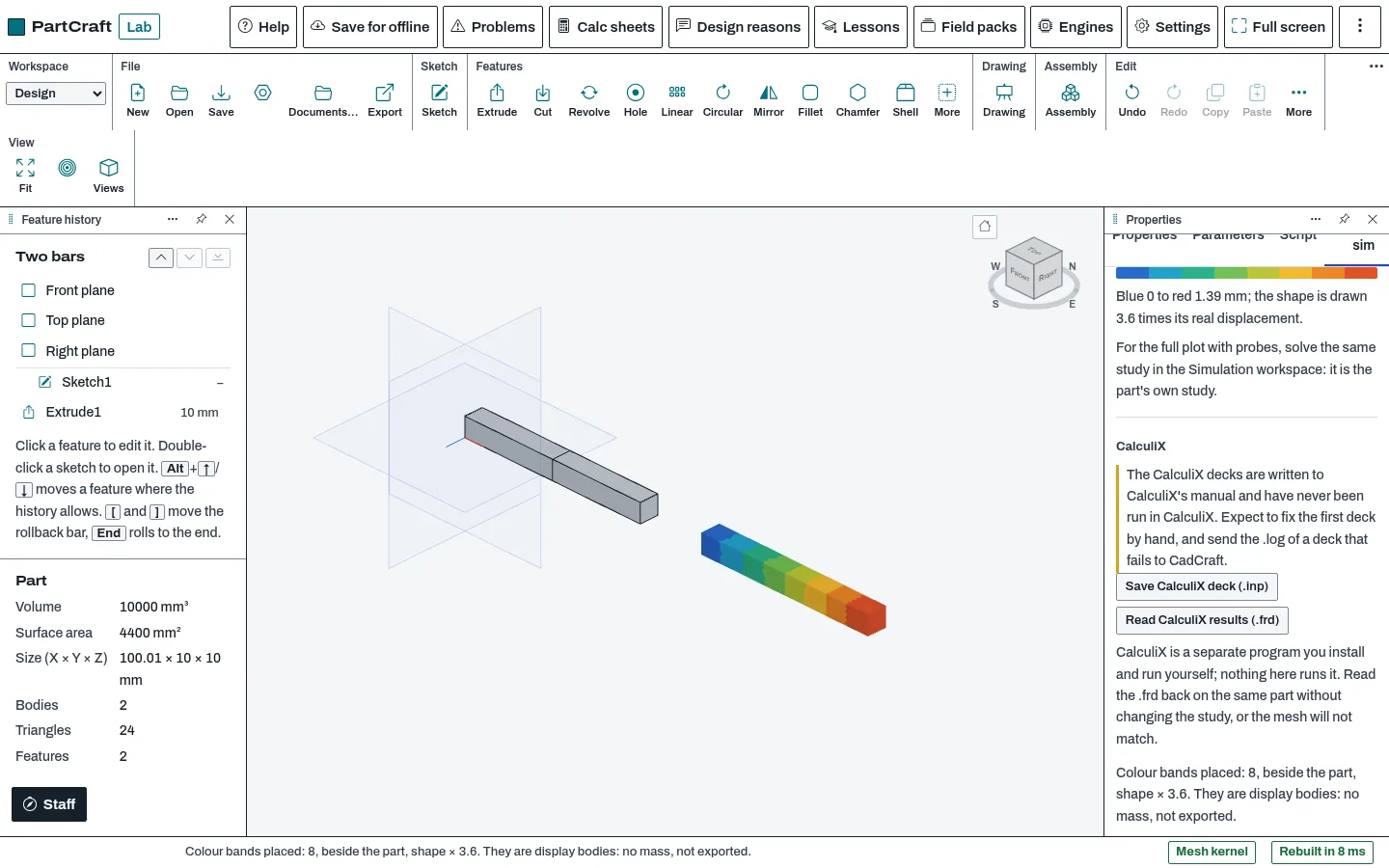
- See the result as numbers (load carried, largest displacement and von Mises stress, plastic strain, contact force, penetration against 1 percent of the element size) and as a colour plot of stress, plastic strain or displacement drawn beside the part.
- Save a CalculiX input deck (.inp) of the study, and read a CalculiX result file (.frd) back onto the same mesh. The decks are written to CalculiX's manual and have never been run in CalculiX.
Methods and standards
Nonlinear: bilinear J2 plasticity with isotropic hardening and a consistent tangent, solved by Newton iteration in load steps. Contact: a penalty method with the contact checked at Gauss points on the surface, the pairing frozen inside each Newton solve and re-paired in an outer loop. Written from textbook methods; CalculiX code was not read or linked.
Data and sources
No data ships. The yield stress and the slope after yield come from the material you pick or enter.
Verification
node tools/partcraft-test/test-sim08.mjs (the solvers, session part-sim-08: 40 passed, 0 failed on 2026-10-27; a bilinear bar against its curve, bonded and frictionless bars within 0.02 and 0.07 percent, a Hertz sphere-on-sphere case). The add-on (2026-10-30): node public_html/assets/apps/partcraft/dev/addons/advanced-sim/test/test.mjs, 82 passed, 0 failed (a bar past yield within 0.2 percent of the bilinear curve, two bars pushed together past yield: contact force equal to the 27.5 kN load within 1 percent and plastic strain within 3 percent of the hand value, the deck's contents, a result file read back); node tools/addons-test/browser-advanced-sim.mjs in the real lab PartCraft, 26 passed, 0 failed. The exported decks have not been run in CalculiX: that is the owner's run and is still open.
Limits
Contact is frictionless or bonded only; friction and large sliding are not solved, and large rotations are not solved. The penalty method lets pieces sink into each other a little, and the result states it. Plasticity is the bilinear model only. The contact study needs a mesh that is not much finer on the master side than the slave side. Large meshes are slow: the coarse Hertz case took 25 seconds on a capped server. Find touching faces sees flat faces only; curved pairs are picked by hand in the Simulation workspace. Contact is between pieces of one part, not between parts of an assembly. The CalculiX export is written to the manual and has never been run in CalculiX.
Files and formats
Reads and changes the part's own Simulation study (one undo step each). Writes CalculiX input decks (.inp) with a comment saying they were not checked in CalculiX. Reads CalculiX result files (.frd). The colour plot is kept in the part as display bodies until you remove it: no mass, not exported.
Get started
- Switch it on in PartCraft: Settings, General, Add-ons, Advanced simulation. Its tab, Advanced sim, appears in the right panel.
- Set the material, supports and loads of the part's study in the Simulation workspace, then pick Nonlinear or Contact in the tab; for contact press Find touching faces and add the pairs.
- Press Run study, read the result, and press Show beside the part for the colour plot. To compare in CalculiX, save the deck, run it yourself and read the .frd back.
Languages
The text is available in:
- Afrikaans (af)
- Amharic (am)
- Arabic (ar)
- Azerbaijani (az)
- Belarusian (be)
- Bulgarian (bg)
- Bengali (bn)
- Bosnian (bs)
- Catalan (ca)
- Czech (cs)
- Danish (da)
- German (de)
- Dhivehi (dv)
- Greek (el)
- English (en)
- Spanish (Spain) (es-ES)
- Spanish (Mexico) (es-MX)
- Estonian (et)
- Persian (fa)
- Finnish (fi)
- Filipino (fil)
- French (fr)
- Galician (gl)
- Guarani (gn)
- Hebrew (he)
- Hindi (hi)
- Croatian (hr)
- Hungarian (hu)
- Armenian (hy)
- Indonesian (id)
- Icelandic (is)
- Italian (it)
- Japanese (ja)
- Georgian (ka)
- Kazakh (kk)
- Khmer (km)
- Korean (ko)
- Kyrgyz (ky)
- Lao (lo)
- Lithuanian (lt)
Works in
| Edition | Works | Note |
|---|---|---|
| Browser (/use) (yours) | Added on demand | Fetched the first time you use it, then kept for offline use. |
| Studio from getcadcraft.com | Added on demand | Fetched the first time you use it, then kept for offline use. |
| Microsoft Store | Added on demand | Fetched the first time you use it, then kept for offline use. |
| Google Play | Added on demand | Fetched the first time you use it, then kept for offline use. |
| iPad and iPhone (App Store) | Included; switch it on | Part of the reviewed app; your list switches it on. |
| Custom build | Added on demand | Fetched the first time you use it, then kept for offline use. |
Comes with
- Frames and FEA 1.5 MB
Adding it brings these too. Engines are shared: each downloads once for every add-on that uses it.
Needed by: Automotive and EV engineering, Mechanical design (parts and assemblies), Structural engineering.
Permissions
- Adds a panel section
- Adds commands
- Opens or saves its own file types
From its manifest. Shown again when an update changes them, and the update waits for your yes.
Versions
| Version | Channel | Date | What changed |
|---|---|---|---|
| 0.8.0 | stable | November 9, 2026 | Signed and published. |
Licence and maker
CadCraft (CadCraft, first-party). Licence: Apache-2.0. Dependencies carry their own licences, listed on their pages.