Menu style
Menu styles and keys
Use this add-on:
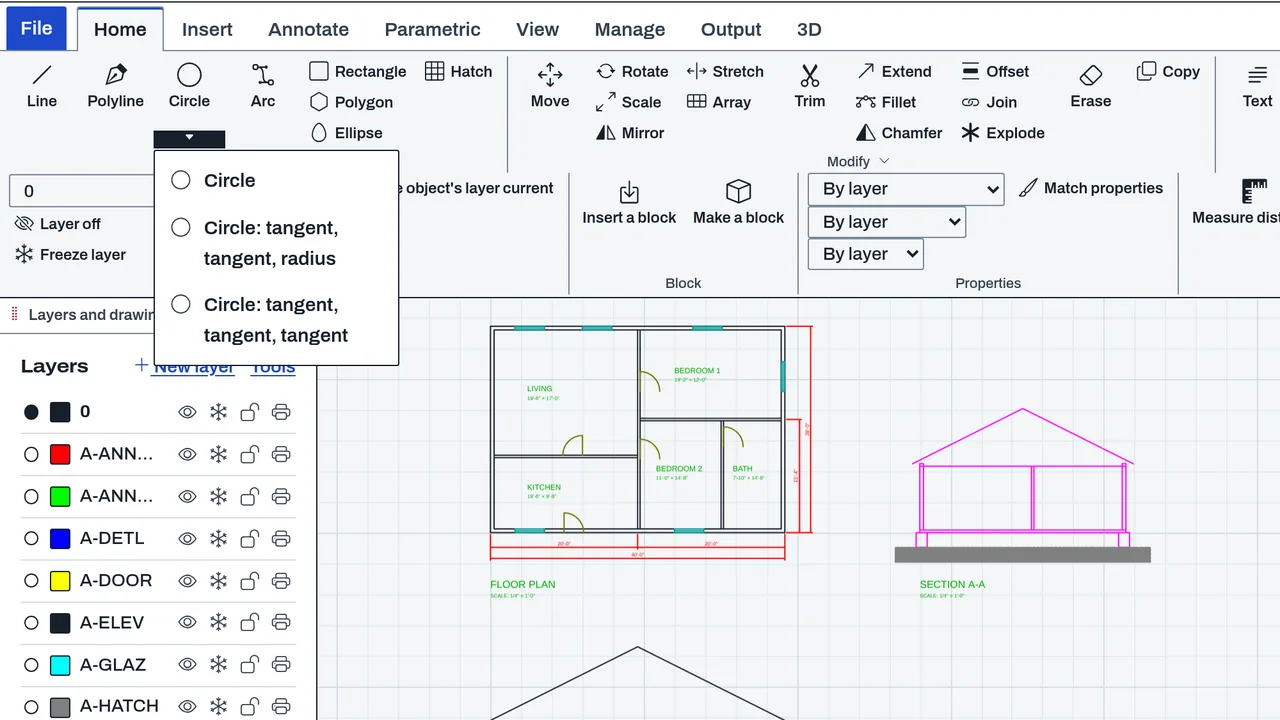
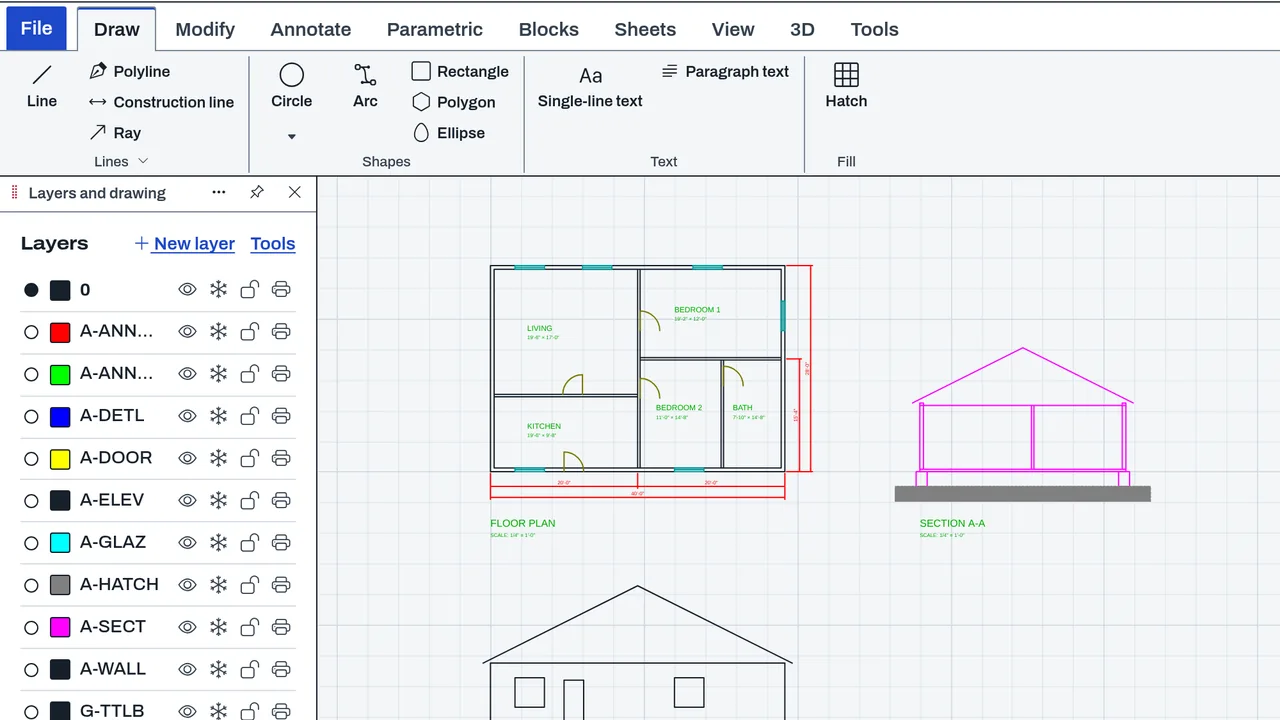
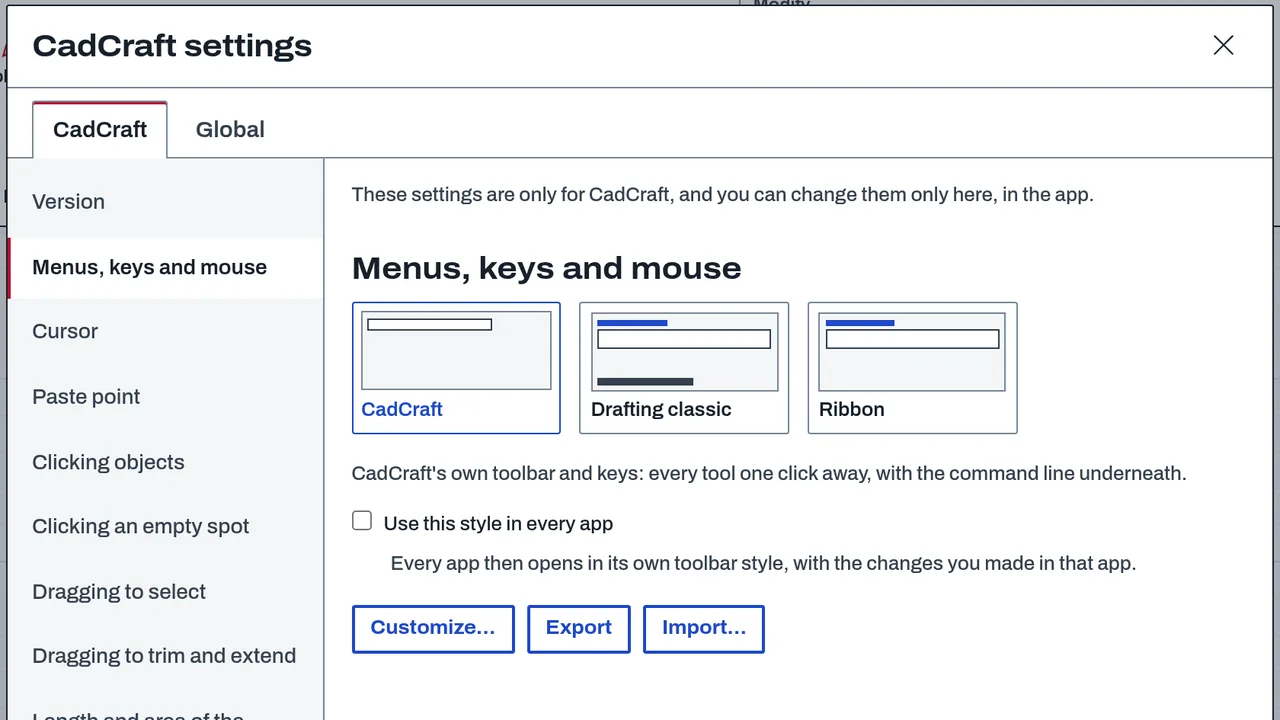
Overview
Menu styles and keys (input profiles) change how an app's commands are reached: where they sit (a menu bar, a ribbon of tabs and panels, or the app's toolbar), what they are called, which keys run them, and what the mouse wheel and buttons do. Each style runs the same commands through the app's own buttons, so the commands, the drawing and the files do not change. Built-in styles are named for ways of working. You can copy a style, change it, and export or import it as a file.
Who it’s for
- People who bring a menu or keyboard habit from another CAD or BIM program and want commands where they expect them.
- Power users who want their own keys and mouse buttons.
- Teams who share one input profile file so everyone's keys match.
What you can do
- Pick a built-in style in each app's settings, under Menus, keys and mouse. CivilCraft has CivilCraft, Drafting classic and Civil ribbon. DetailCraft has DetailCraft, Drafting classic and Steel ribbon. BimCraft has CadCraft, Home design, BIM ribbon, Drafting classic and Viewer.
- Copy a style and change its menus, its keys (single keys, Ctrl combinations, two-letter sequences and typed command words) and its mouse (wheel direction and speed, and which button pans, orbits or zooms).
- See conflicts before you save: a key used twice, or a key that starts a longer sequence.
- Export a profile as a .ccinput.json file and import one. An imported file is checked before it is used.
Data and sources
Each built-in style is data over the app's command registry. Every command has a stable id that a style refers to, so an id is never renamed. Your profiles are files you export and import.
Verification
bin/test-app-input.mjs checks the shared engine: keys and sequences, profiles over a registry, imported files and add-ons, and conflicts. bin/test-bimcraft.mjs --input and tools/bimcraft-test/browser-input.mjs cover BimCraft's styles in the browser. The repo has no browser test of the other apps' styles that I found.
Limits
A style changes how commands are reached, not what they do. A style cannot add a command the app does not have, and a command with no button in the app cannot be mapped to a key.
Files and formats
Reads and writes .ccinput.json input profile files (format cadcraft-input, version 1). An imported file is read as untrusted data.
Get started
- Open the app's settings and find Menus, keys and mouse.
- Pick a built-in style. The commands move to the menu bar, ribbon or toolbar that the style uses.
- To change keys, copy the style, edit it, and export it as a .ccinput.json file.
Languages
No languages are listed for this add-on yet. Its maker may add some.
Works in
| Edition | Works | Note |
|---|---|---|
| Browser (/use) (yours) | Added on demand | Fetched the first time you use it, then kept for offline use. |
| Studio from getcadcraft.com | Added on demand | Fetched the first time you use it, then kept for offline use. |
| Microsoft Store | Added on demand | Fetched the first time you use it, then kept for offline use. |
| Google Play | Added on demand | Fetched the first time you use it, then kept for offline use. |
| iPad and iPhone (App Store) | Added on demand | Fetched the first time you use it, then kept for offline use. |
| Custom build | Added on demand | Fetched the first time you use it, then kept for offline use. |
Comes with
Nothing else.
Versions
| Version | Channel | Date | What changed |
|---|---|---|---|
| 1.0.0 | stable | October 28, 2026 | First version in the Library. |
Licence and maker
CadCraft (CadCraft, first-party). Licence: Apache-2.0. Dependencies carry their own licences, listed on their pages.